
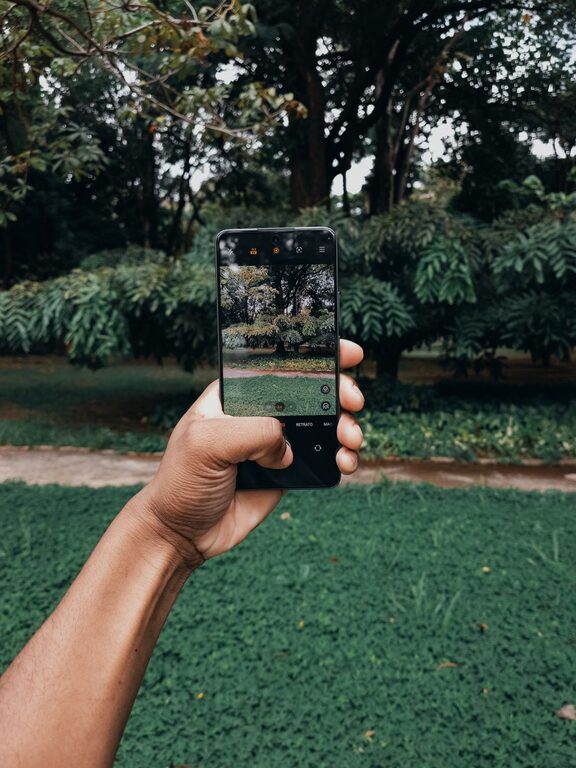
Taking great photos with your phone is easier than you might think. Whether you want to capture beautiful landscapes, candid moments, or creative shots, a few simple techniques can make a big difference. This guide will walk you through beginner-friendly tips to help you take better phone photos, so you can make the most of your device’s camera.
Understand Your Phone Camera
Before diving into tricks and techniques, spend some time exploring your phone’s camera app. Modern smartphones have powerful cameras with settings and features that can improve your photos:
– Camera modes: Learn what modes are available—like portrait, night, panorama, or pro mode—and try them out.
– Resolution & aspect ratio: Check your camera settings to shoot with the highest resolution for better detail.
– Gridlines: Turn on gridlines to help with composition and alignment.
Knowing what tools and options are available gives you more control over your shots.
Use Natural Light Whenever Possible
Lighting is key in photography. Bright, natural light usually produces the best results.
– Shoot during the golden hour—shortly after sunrise or before sunset—when light is soft and warm.
– Avoid harsh midday sunlight that can cause strong shadows and overexposure.
– When indoors, position your subject near windows to make use of natural daylight.
– If you need to use artificial light, avoid the phone’s built-in flash if possible, as it often creates flat and unflattering light.
Good lighting adds depth and clarity to your photos.
Focus and Exposure Control
Most smartphones let you control focus and exposure separately.
– Tap on your subject on the screen to focus automatically.
– After focusing, you can usually adjust brightness by sliding your finger up or down.
– Lock focus and exposure if you want consistent settings for multiple shots.
Mastering focus and exposure helps you avoid blurry or washed-out images.
Compose Your Shots Thoughtfully
Composition is how elements are arranged in your photo. Good composition makes photos more interesting and balanced.
Use the Rule of Thirds
– Imagine your screen divided into nine equal parts by two vertical and two horizontal lines.
– Place important elements along these lines or at their intersections.
– Most phone cameras offer a grid option to help with this.
Simplify the Scene
– Remove distractions from the background.
– Look for clean, uncluttered backgrounds that help your subject stand out.
Change Your Perspective
– Don’t always shoot at eye level.
– Try different angles—get low to the ground, shoot from above, or move around your subject.
– Changing viewpoint creates unique and dynamic images.
Keep Your Lens Clean
It’s easy to forget that your phone’s camera lens can get dirty or smudged.
– Regularly wipe the lens gently with a soft microfiber cloth.
– A clean lens ensures sharper pictures and prevents blurry or hazy photos.
Steady Your Shot
Phone photos often blur because of shaky hands.
– Hold your phone with both hands and keep your elbows close to your body.
– Lean against a stable surface if possible.
– Use the volume button or a timer to reduce camera shake when pressing the shutter.
Some phones also have built-in stabilization features—use them!
Experiment with Editing Apps
Editing can enhance your photos after you’ve taken them.
– Start with basic adjustments like brightness, contrast, and cropping.
– Use apps like Snapseed, Lightroom Mobile, or VSCO for user-friendly tools.
– Avoid over-editing to keep photos natural.
Editing lets you bring out the best in your images without needing advanced photography skills.
Practice Regularly
Like any skill, improving photography takes practice.
– Take photos every day or whenever something catches your eye.
– Review your photos and think about what worked and what didn’t.
– Try recreating shots you like from photographers you admire.
Over time, you’ll develop your own style and confidence.
Bonus Tips
– Use burst mode to capture action shots—take multiple photos quickly to pick the best one.
– Try portrait mode to create photos with blurred backgrounds and sharp subjects.
– Utilize HDR (High Dynamic Range) when shooting scenes with both bright and dark areas.
– Explore third-party camera apps for extra features.
—
By following these beginner tips, you’ll start seeing a real improvement in your phone photography. Remember that great photos come from a mix of good light, composition, and a little creativity. Grab your phone and start capturing moments the way you want to see them!
About the Author